> For the complete documentation index, see [llms.txt](https://motorweb.gitbook.io/motorweb/llms.txt). Markdown versions of documentation pages are available by appending `.md` to page URLs; this page is available as [Markdown](https://motorweb.gitbook.io/motorweb/other-products-and-resources/status-page.md).

# MotorWeb Status Page Hub

Monitor MotorWeb system availability, follow live incidents, and get notified when something breaks.

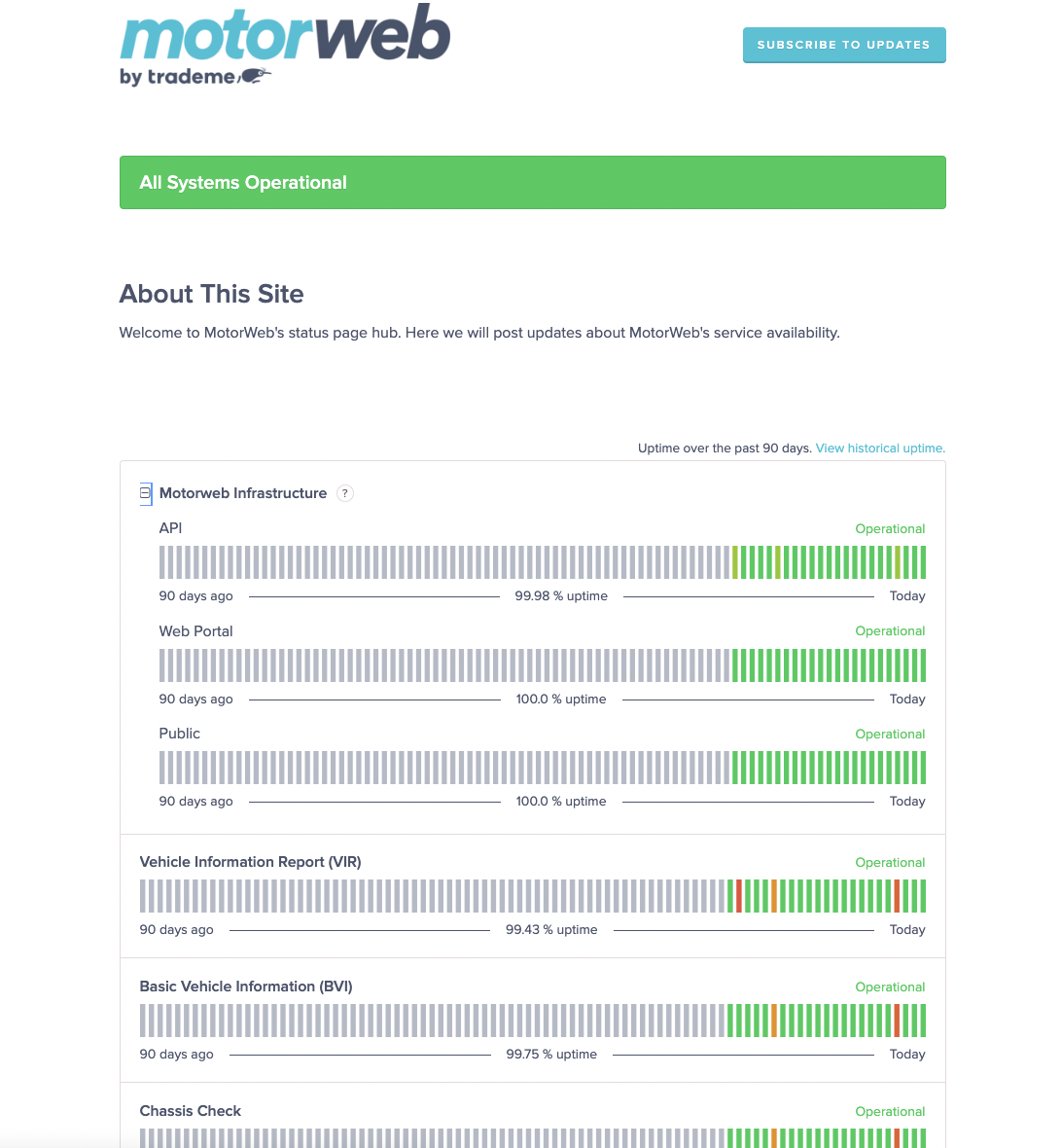
The status page is the single place to check whether MotorWeb is running normally. It covers our own services and the upstream registries we depend on.

Use it when something looks wrong before you raise a ticket. If we already know about an issue, it will be posted there with what we know and what we are doing about it.

{% embed url="<https://status.motorweb.nz/>" %}

## What it tells you

<table><thead><tr><th width="240">Information</th><th>Use it for</th></tr></thead><tbody><tr><td>Current status</td><td>Whether each service is operating normally right now.</td></tr><tr><td>Open incidents</td><td>What is broken, what it affects, and progress toward a fix.</td></tr><tr><td>Scheduled maintenance</td><td>Planned work, posted ahead of time so you can prepare.</td></tr><tr><td>Incident history</td><td>Past outages and their resolutions. Useful when reconciling a failed batch after the fact.</td></tr></tbody></table>

## Subscribe to updates

Do not rely on checking the page manually. Subscribe, and updates come to you.

1. Open [status.motorweb.nz](https://status.motorweb.nz/).
2. Select **Subscribe to Updates**.
3. Choose how you want to be notified.

<figure><img src="https://4230925532-files.gitbook.io/~/files/v0/b/gitbook-x-prod.appspot.com/o/spaces%2Fh1RFBcUkMm2GbX1aUo7G%2Fuploads%2F26xCpX7qAkzGI2tt1mlB%2FScreen%20Shot%202024-09-17%20at%2011.32.31%20AM.png?alt=media&amp;token=6de44925-3e38-4f87-8e67-628e096a89f5" alt=""><figcaption><p>Subscribe to the status page to be notified of system availability.</p></figcaption></figure>

{% hint style="info" %}
Subscribe the address that reaches whoever is on call for your integration, not a personal inbox. A shared mailbox or a team alias works best.
{% endhint %}

## Status page or Ping?

The two answer different questions. Use both.

<table><thead><tr><th width="200">Tool</th><th width="220">Answers</th><th>Best for</th></tr></thead><tbody><tr><td><strong>Status page</strong></td><td>Is MotorWeb having a known problem?</td><td>People. Support staff, on-call engineers, anyone asking "is it us or them?"</td></tr><tr><td><a href="/motorweb/motorweb-reports/ping.md"><strong>Ping</strong></a></td><td>Can <em>my account</em> transact right now?</td><td>Software. Disable a feature in your own product before a user hits an error.</td></tr></tbody></table>

Ping is scoped to the products your account holds and refreshes at most once a minute. The status page is broader and carries the human explanation.

## When something breaks

1. **Check the status page.** If an incident is already posted, follow it there. No ticket needed.
2. **Check** [**Ping**](/motorweb/motorweb-reports/ping.md)**.** A service reporting `down` will carry a `notice` you can show your own users.
3. **Still stuck?** [Contact us](/motorweb/other-products-and-resources/contact-us.md). Include the `reference` from the failing response. It is the fastest route to a diagnosis.
